How to dub Portuguese (Brazil) videos into English
For a Brazilian instructor or creator, an English dub opens the same lesson to viewers who never learned Portuguese. This is the pair DubForge was built on, and it has its own things to watch.
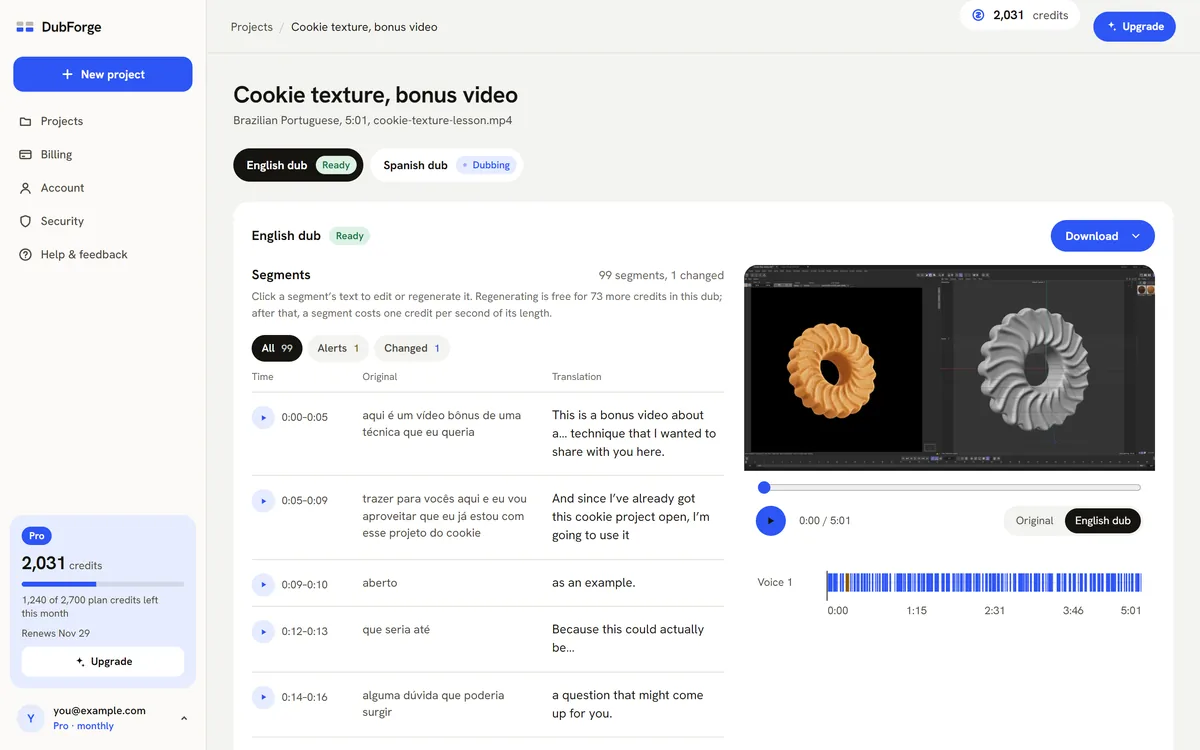
Dubbing a Brazilian Portuguese video into English
To dub a video recorded in Brazilian Portuguese into English, upload the file, choose Portuguese (Brazil) as the language spoken and English as the language to dub into, then review the English against the picture before you publish. Watch three things closely: sentences that change length in English, software terms that were already in English, and numbers written the Brazilian way.
In DubForge the English voice is taken from your own speech in the file, so your new viewers hear you rather than a stranger, with no voice to record or train first. Each person speaking is dubbed in their own voice, and music and background sound are separated from the speech and mixed back under the dub. If you teach a full course in Portuguese, the online courses guide covers dubbing it lesson by lesson.
The pair DubForge was built on
DubForge was started by a 3D instructor who teaches Cinema 4D and records his lessons in Portuguese. When he first dubbed them into English, the voice was fine and the timing was not: sentences rushed, pauses vanished, and "turn it off" came before the cursor got there. DubForge places each thought on the video's own clock because of that.
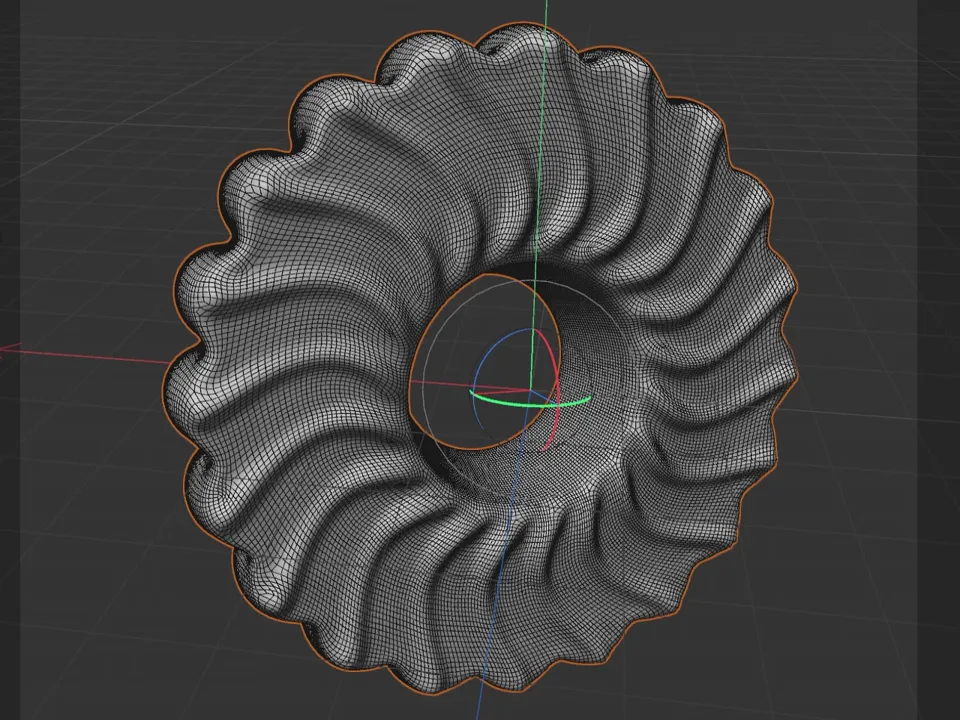
The demo is that kind of lesson: a Cinema 4D lesson on texturing a cookie, 5:01 long, recorded in Portuguese, with its English dub on the same clock. In the editor it has 99 segments. You can hear the first minute of the dub.
The same idea takes a different length in English
Portuguese and English rarely spend the same time on the same idea. A line can come out shorter or longer in English than it was in Portuguese, and the difference changes from one line to the next. A careless dub handles it in ways you can hear:
- It finishes early. The English is shorter, so the voice reaches the end of the explanation while the screen is still on the first step, then waits in silence.
- It rushes. The English is longer, so the voice speeds up to fit, and the lesson suddenly sounds nervous.
- It compresses the explanation. The translation drops the connecting words and repetitions that made the Portuguese easy to follow, and the lesson gets denser than you taught it.
What works instead:
- Translate the whole explanation, not a summary of it. Keep the connectors ("so", "now", "and then") and the repetitions you made on purpose.
- Do not pad a short line with extra words to fill time, and do not hide the difference with silence after it. Compare each English line with its Portuguese line, in context.
- Place each thought where the Portuguese one was said, so your pauses stay where you made them.
- When a line comes out rushed, say the same thing in plainer or fewer words and regenerate the whole segment.
DubForge flags a line that runs faster than the original and a pause that came out shorter, so the lines that changed length are the first ones you see in the editor. Why pauses matter in dubbing explains the timing side in more depth.
Judge each English line against its Portuguese line, where it sits in the lesson. The total length of the video tells you very little.
Software terms that are already in English
Brazilian instructors often teach software whose interface is in English, and say its terms in the middle of Portuguese sentences: render, viewport, material, keyframe. In the English dub those words should come through as they are, because they are what the viewer sees on screen. Three places to check:
- The transcript. An English word spoken inside a Portuguese sentence is easy for speech recognition to mishear. If the transcript got it wrong, correct the transcript and regenerate the segment.
- The translation. A term can come back as a different English word that means the same thing but is not the label on the button. Edit the translation to the exact on-screen name.
- Portuguese names on screen. If an object, layer or file in your project has a Portuguese name, the viewer sees that name. Decide whether the dub says it as written or explains it once.
The rule is the same as in any tutorial: say what the screen shows. Dubbing software tutorials covers menus, buttons and shortcuts in more detail.
Review tips for Portuguese to English
Read the Portuguese and the English side by side, segment by segment, and check the places where the two languages write and say things differently:
- Decimal commas. Brazil writes two and a half as 2,5 and says "dois vírgula cinco"; in English it is 2.5, "two point five". A value on screen stays as the screen shows it, but the voice should say it the English way.
- Thousands. 1.000 in Brazil is 1,000 in English. A misread separator turns a thousand into one.
- Dates. 05/03 is the 5th of March in Brazil and May 3 in the US. When a written date matters, say it in words.
- Names. People's names, brand names and project names keep their spelling. Check that none was translated, such as a surname like Rocha that is also a common word.
- Units. Keep the units you used, such as centimeters, since the values on screen are in them.
- Repeated lines. If you said the same sentence twice, decide whether the English should repeat it too.
The demo has an example of the last one. At 3:14 the lesson repeats a line it had said five seconds earlier, and the first English version said "It'll take a little longer to think." both times. The fix gave the second one its own words, "The renderer needs a little more time.", by editing the translation of that segment and regenerating the whole segment. Version 1 stays available, and going back is free.
That fix cost nothing, because regenerating is free up to a quarter of the video's length. When the review is done, you can download the dubbed MP4, the audio, and subtitles in Portuguese and English as SRT and VTT, timed to the dub. How to review an AI dub has the full routine.
Language pairs and cost
DubForge opens each language pair only after it passes DubForge's listening tests, and your account lists the pairs open today. The pair shown in the demo is Portuguese (Brazil) to English.
The cost follows the same rule as any dub: one credit dubs one second of video in one language, rounded up to the next second. A 10-minute lesson dubbed into English uses 600 credits, and the demo lesson, 301.2 seconds long, would use 302. How much it costs to dub a video works through the plans, and the Cinema 4D lesson case study follows the demo from upload to download.
Questions
Can I dub an English video into Portuguese?
Each language pair opens only after it passes DubForge's listening tests, and your account lists the pairs open today. The pair shown in the demo is Portuguese (Brazil) to English.
How do I get English subtitles for a Portuguese video?
Dub the video into English, then download the subtitles. They come in Portuguese and English, as SRT and VTT files, timed to the dub.
Will the English words in my Portuguese speech be translated?
They should stay as they are when they name something on screen. Check them in the editor, and if one changed, edit the transcript or the translation and regenerate that segment.
How much does it cost to dub a Portuguese video into English?
One credit dubs one second of video in one language, so a 10-minute video uses 600 credits. The Creator plan, at US$25 a month, includes 900 credits, or 15 minutes of dubbing.