Why pauses matter in dubbing, and why AI dubs sound rushed
Most rushed-sounding dubs have the right words and the wrong timing. In a lesson, the pauses are part of the explanation, and a dub that drops them teaches less.
Why an AI dub sounds rushed
An AI dub sounds rushed when the tool fits the translation into the time of the original by squeezing it: speeding the speech up, or speaking the whole sentence fast and leaving the leftover time as silence at the end. The words are right; the rhythm is not.
The fix is not a slower voice. It is a dub where each thought starts where it started in the original, is spoken at a natural pace, and leaves the pauses between thoughts the length they were. That matters most in teaching, because in a lesson the pauses carry part of the meaning.
In a lesson, a pause is part of the explanation
Listen to a good screen-recorded lesson and count the silences. Most of them are doing a job:
- Waiting for the software. The instructor starts a render and stops talking until the image appears. The silence tells the viewer to watch.
- Letting a step land. After a new idea, a beat of quiet gives the viewer time to see what changed before the next instruction.
- Looking for something. "Now we go to... the material tab." The hesitation while the cursor searches the menu is real, and the viewer searches with it.
- Thinking out loud. A slower line, a restart, a word said twice. These sound like a person explaining, not a person reading.
Take those away and the lesson still has every word, but it stops sounding like someone showing you something. It sounds like someone reading a script about it, faster than you can follow.
In a tutorial the voice and the cursor tell the same story. If the voice runs ahead, the viewer hears each step before they can see it.
The usual shortcuts, and how they sound
The same idea rarely takes the same time in two languages. A translation comes out longer or shorter than the original, and a dubbing tool has to do something with the difference. The common shortcuts each leave a mark you can hear:
| Shortcut | What the tool does | How it sounds |
|---|---|---|
| Speeding up | Plays the translated speech faster so it fits the slot | Rushed and breathless, with words running together |
| Padding silence at the end | Speaks the sentence at its own pace, then fills the rest of the slot with silence | Fast sentences with long, flat holes between them |
| Stretching | Slows finished speech down, or pulls single words longer | Robotic, with dragged vowels and a choppy rhythm |
| Ignoring the original pauses | Treats the lesson as one long block of text | No room for the render, the click or the search for a menu |
Padding is the subtle one. The total length matches, so a quick check says the dub fits. But a four-second sentence spoken in two seconds, followed by two seconds of silence, is not how anyone talks, and the viewer feels it even without knowing why.
Placing each thought on the video's own clock
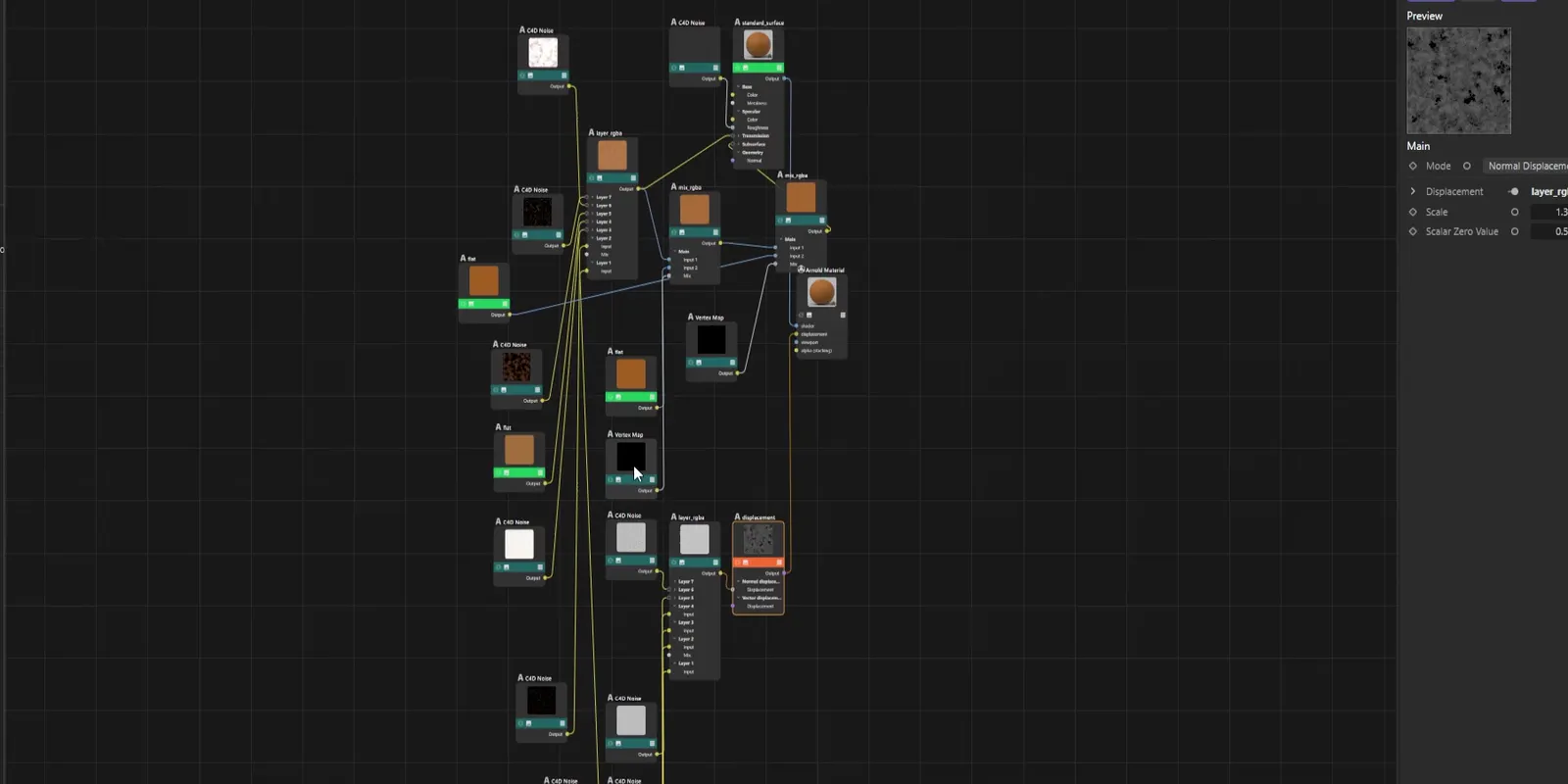
DubForge was started by a 3D instructor who teaches Cinema 4D and records his lessons in Portuguese. When he first dubbed them, the voice was fine and the timing was not: sentences rushed, pauses vanished, and "turn it off" came before the cursor got there. A viewer who hears an instruction before the cursor moves has to rewind to see it.
DubForge is built around that problem. Instead of squeezing a translation into a slot, it places each thought on the video's own clock: a silence in the original is a silence in the dub, and the voice reaches the click when the cursor does. A hesitation while you look for a menu stays a hesitation.
Working by whole thoughts matters too. When you change the words of a segment in the editor, the whole segment is regenerated in the same voice, never one word patched in, so the line keeps a single, natural rhythm.
You can hear it in the demo: the first minute of a Cinema 4D lesson recorded in Portuguese, with its English dub on the same clock.
Catching the lines that came out wrong
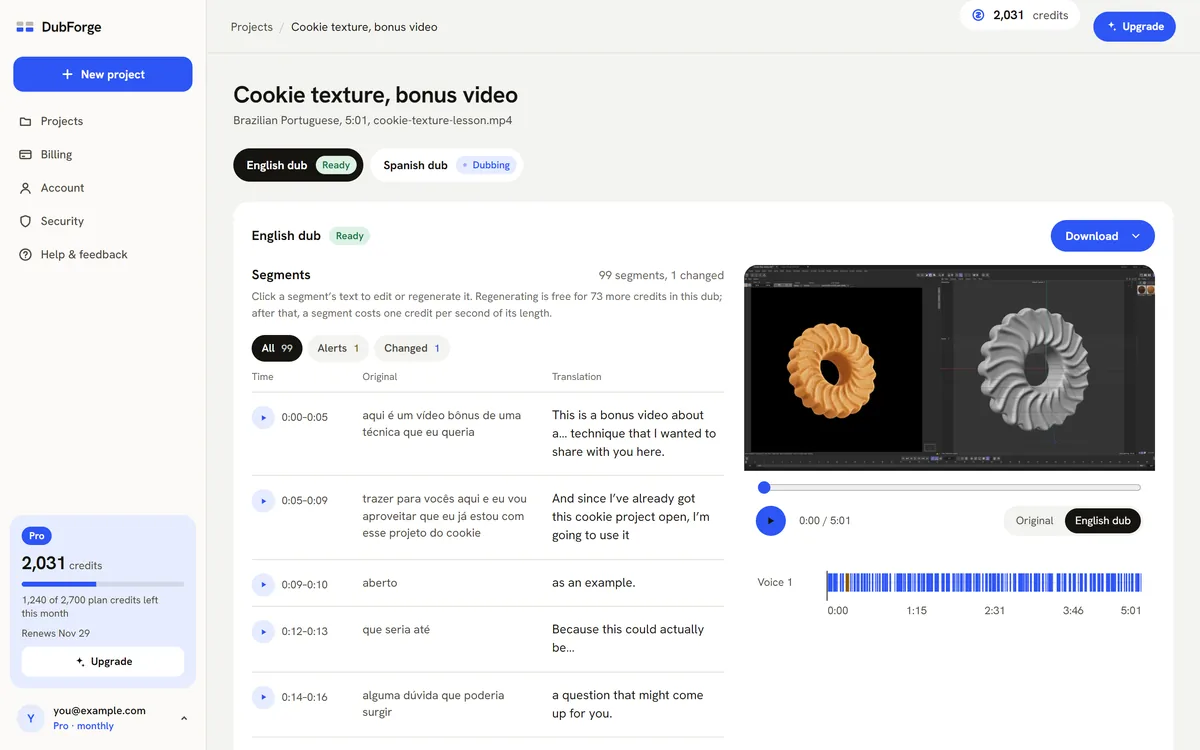
No dub gets every line right on the first pass. What helps is knowing where to look. The DubForge editor flags two kinds of timing problem:
- A pause that came out shorter than the original. The dub has hurried past a moment where you stopped.
- A line that runs faster than the original. The translation is being spoken quicker than you spoke.
One click shows only those lines, so you can listen to them with the picture instead of replaying the whole lesson. Each voice has its own lane on the video's clock, and you can play the original or the dub from any segment to compare the same moment. If a line is crowded, a shorter translation often gives it room; edit it and regenerate the segment.
The rest of the review, from terms to endings, is in how to review an AI dub.
How to check the timing of any dub
These checks work on a dub from any tool. Do them with the picture on, the way your viewer will watch:
- Find three moments where you click something, and check that the voice names it as the cursor gets there, not before.
- Find a moment where you wait for the software, such as a render or an import, and check that the dub waits too.
- Pick a sentence near the middle and compare its length with the original. A much shorter sentence followed by silence is padding.
- Listen for sudden changes of pace. A line that sounds faster than its neighbors was probably squeezed.
- Check the start, the middle and the end of the video, not only the first minute. A dub with the right total length can still drift in between.
Screen recordings are where these checks matter most; the software tutorials guide goes further. And if your video shows your face in close-up, read lip sync or voice timing too.
Questions
Why is my AI dub faster than the original?
Usually because the tool fitted the translation into the time of the original by speeding it up, or spoke it at its own pace and left the rest as silence. Check whether the sentences themselves are faster, not only the total length.
Can I just slow down a rushed dub?
Slowing finished speech down tends to make it sound stretched and robotic. It is better to regenerate the line, with a shorter translation if needed, so it is spoken naturally at the right length.
Does a dub have to be the same length as the original video?
Yes, if the picture stays as it was, but matching the total length is not enough. Each sentence should land where the original sentence landed, with the pauses in between.
Why does a translation not fit the original timing?
The same idea rarely takes the same time in two languages: one may need more words, or longer ones. A good dub adjusts the wording of a line so it can be spoken naturally in about the time the original took.